
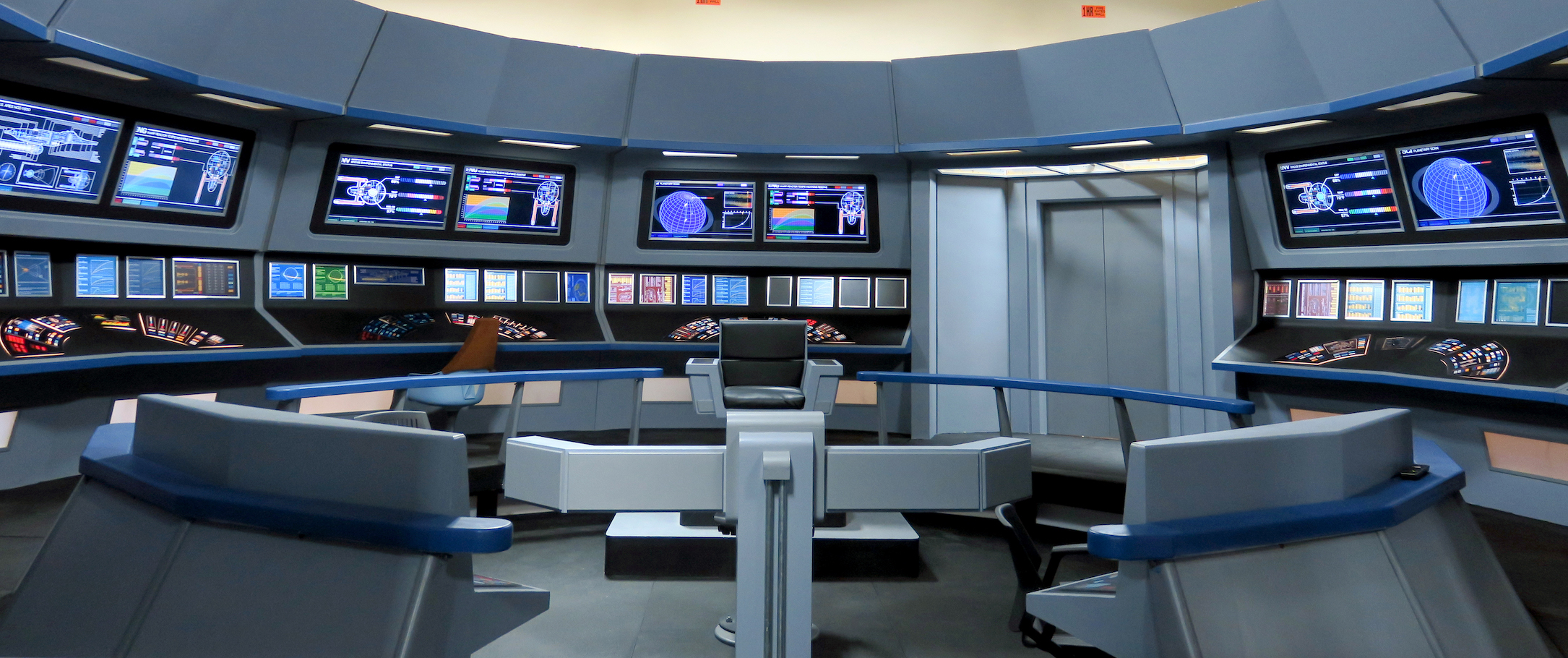
 So what is happening with the bridge?
Well, after Axacon, we made a list of what needs to happen. We have accomplished two objectives and created a new list.
COMPLETED:
- Many of the consoles needed to be routed so the plexi control surfaces fit snugly.
- Evaluate the power management system so we don't need a generator and decide on a solution.
- Replace two broken upper monitors.
- Install rubber matting in section of bridge that needs it.
- The edges of the plexis need to all be painted black so light does not bleed around the edges.
- Rout out and finish Tactical, Fleet Ops and Pilot consoles and install plexis.
- Plexis for Tactical and Fleet Ops upper monitors.
- Plexis for controls on Captains Chair.
- Replace computers for eye-level monitors with Rasberry Pis to reduce power needs.
- Install Plexis for 10 eye-level monitors.
- Install lighting above and below consoles.
- Green screen or 84″ TV for the main viewer.
- Get chairs in place for all stations.
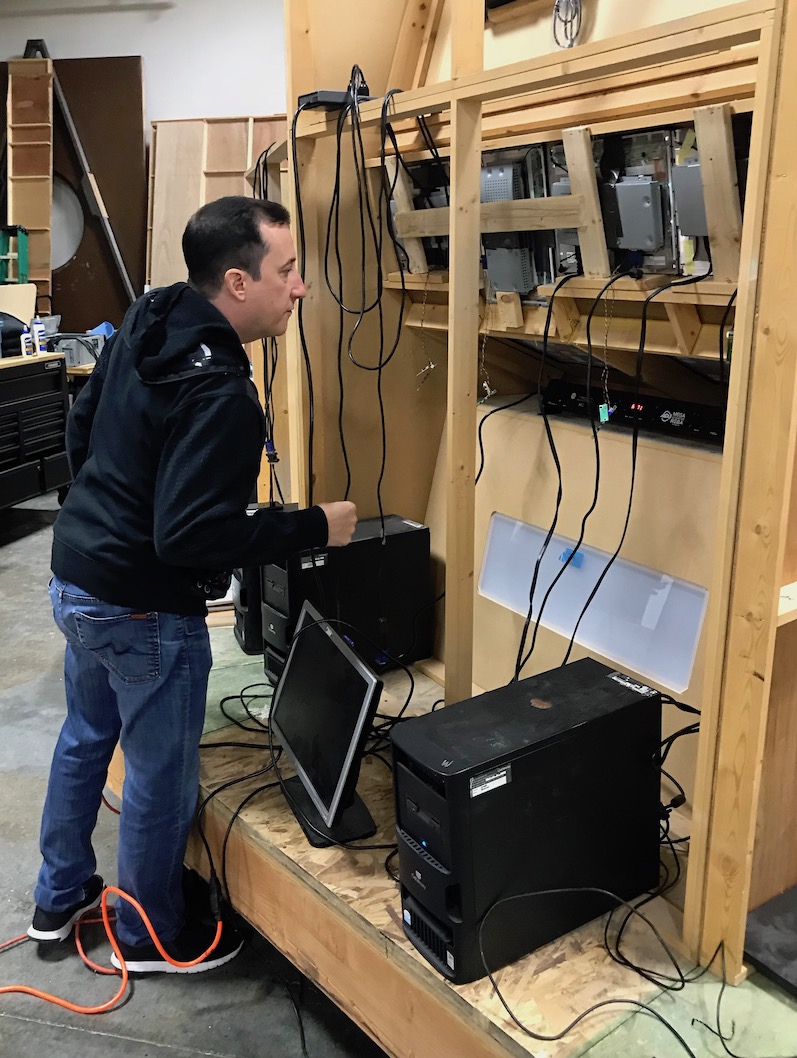
Bridge Technical guru James Simpson inspects the system as currently set up.
The big change is we have decided that we need to move away from the computers that have been running the eye level monitors. They just take so much power that we need a generator to run the bridge as we did for Axacon. We want to be able to simply flip a switch and the bridge lights up using the 200 amps that the facility has available.
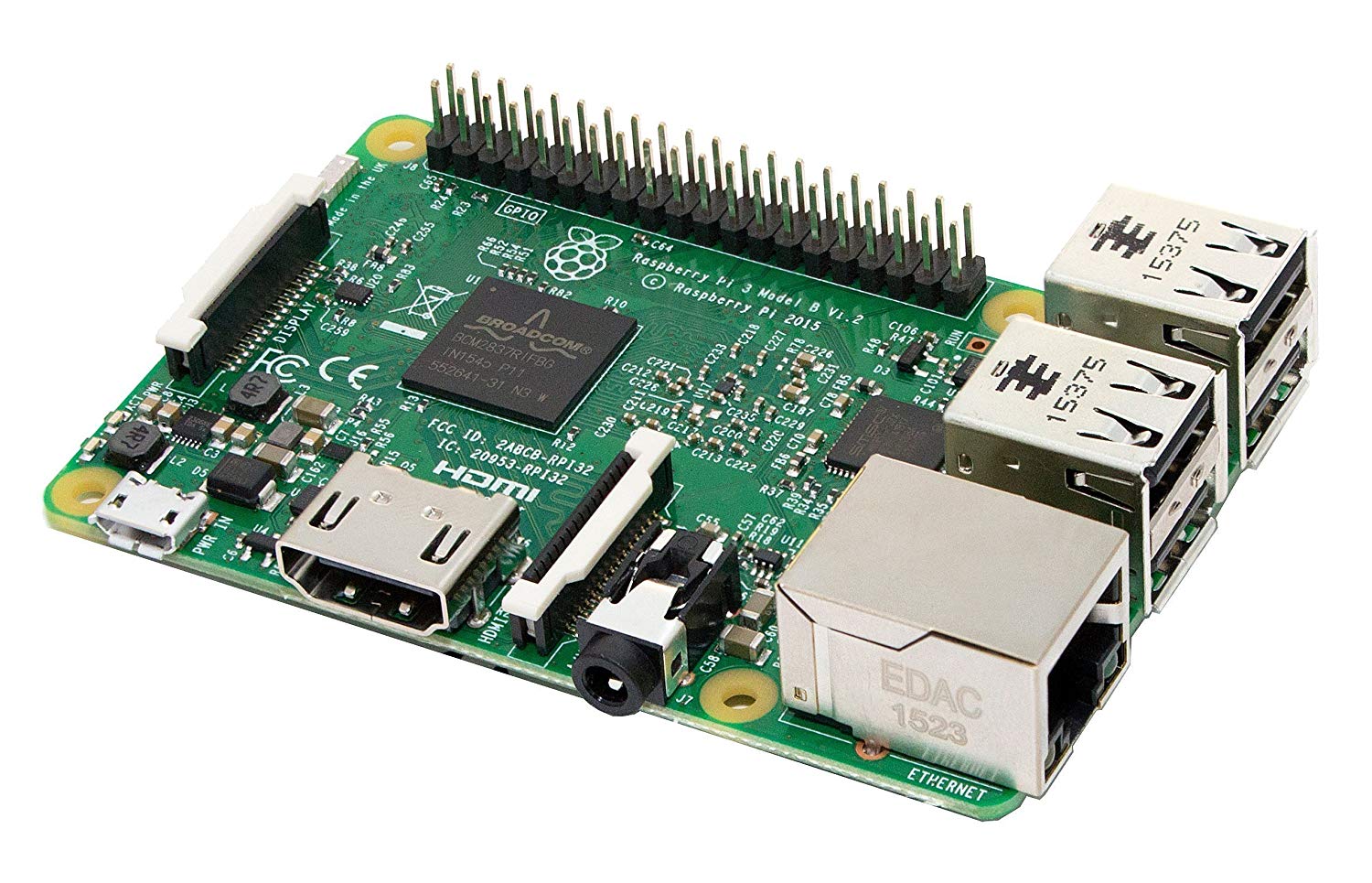
So this means we can replace the 24 computers we have running monitors with either plexis that we light from behind, or with "Rasberry Pis" running the monitors which are ridiculously simple computers. Basically a Rasberry Pi is a circuit board with inputs and outputs.
And while there are 52 monitors at eye level around the bridge, 4 of those are weird sizes that are now plexis as below:
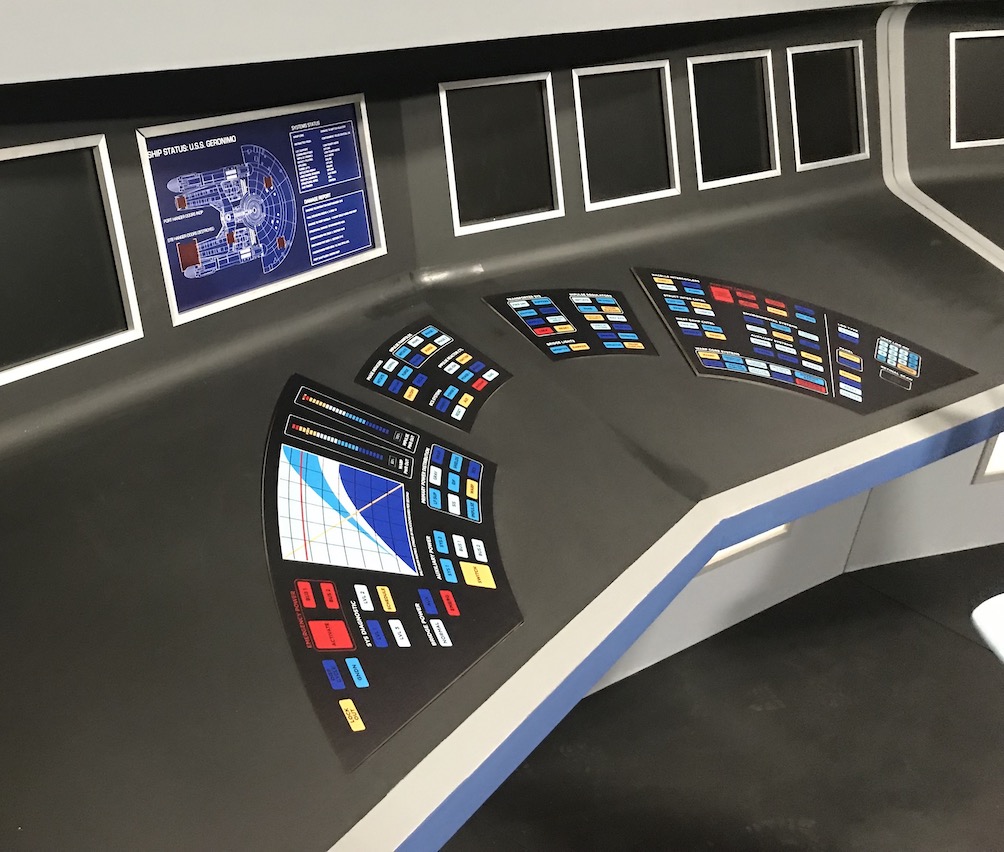 The Geronimo graphic at eye level isn't even lit up and you can see how great it looks.
There are 10 monitors that need to be replaced with plexis as they are installed vertically, rather than horizontally and don't show up correctly on camera. We discovered this in screen tests in California.
That leaves us with 38 monitors. So we will decide if we use Plexis, which we tested here:
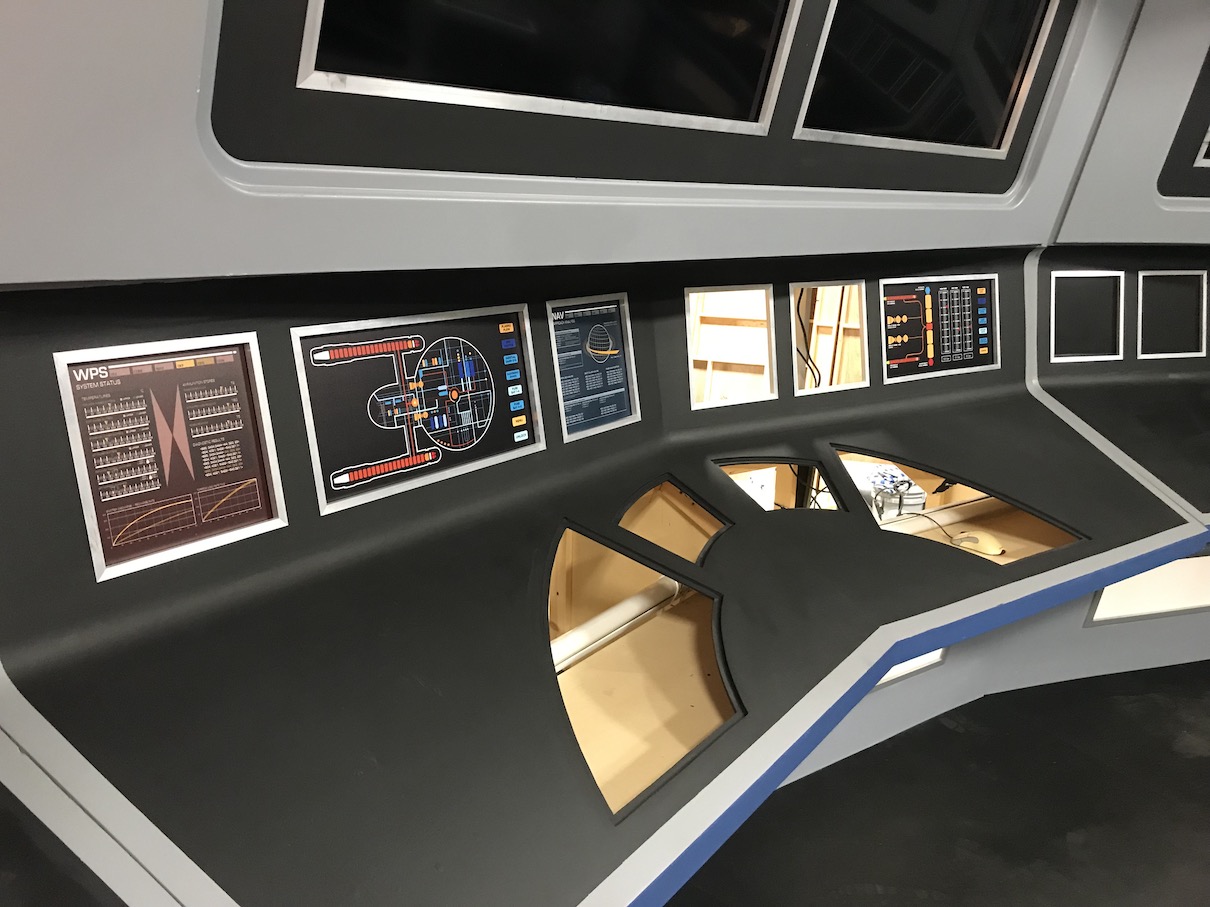 The plexis look pretty good.
Or we can keep the monitors and run them off of Rasberry Pis. They will run video on the monitors and take almost no power ( less than 1 amp each ). And with the 14 upper monitors (TVs) taking .75 amp each, all the monitors and the Rasberry Pis will take about 77 Amps. Now, we have to add the lights in too, so we will see if we run all the monitors, or just selected ones.
Here is a link to the video we did:
So that is the bridge update for now!
Alec